Building a Crystal Oscillator for a Z80 Computer
Published: 28 October 2026
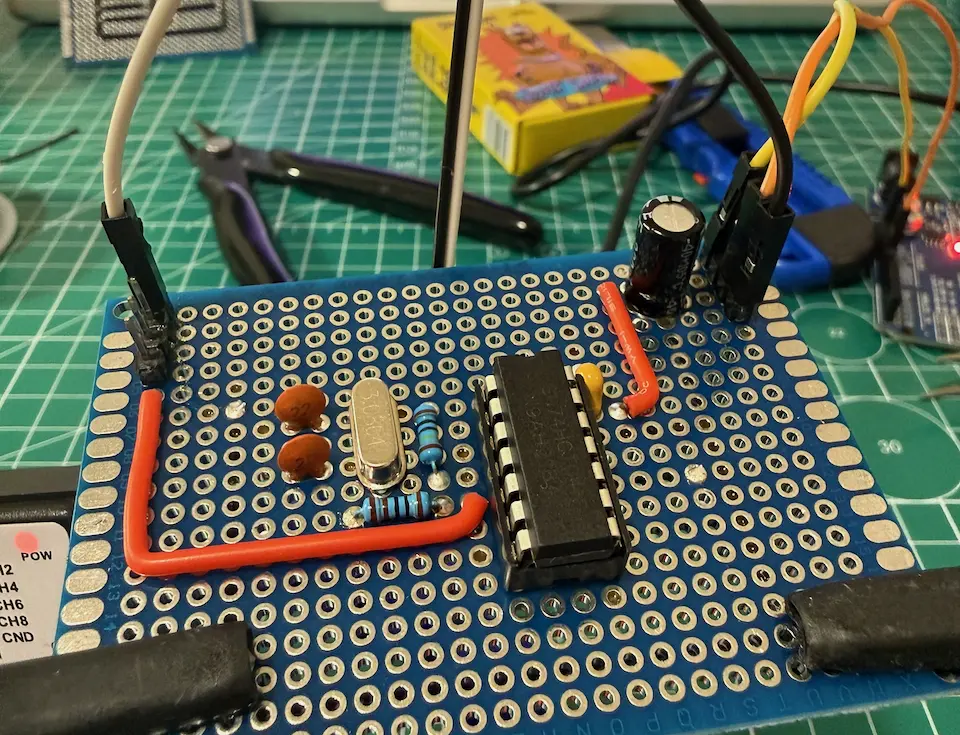
This year I started exploring electronics by building a simple Z80 computer. The CPU needs an external clock, so the oscillator became my first project. I chose a 3.6864 MHz quartz crystal. It took me several weeks to get a working circuit, move it from a breadboard to a soldered prototype, and make my first PCB.
Circuit and components
Bill of materials:
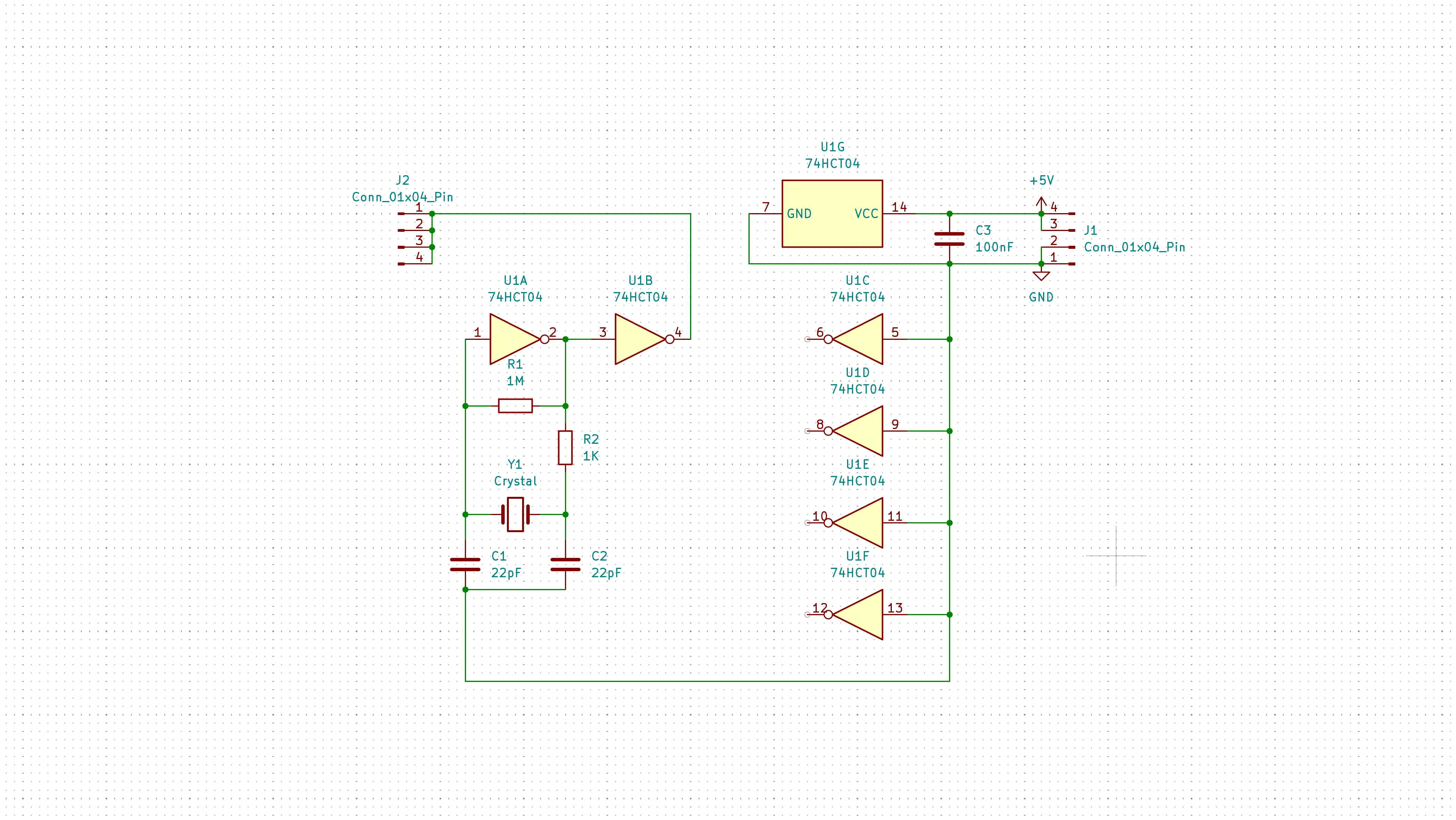
- 74HCT04 hex inverter;
- 3.6864 MHz quartz crystal;
- 1M resistor;
- 1K resistor;
- 22pF capacitors;
- 100nF capacitor for supply decoupling.
I got the clock circuit from RC2014 and modified it a little bit. Here is the final schematic:
Getting a clock signal
I first assembled the circuit on a breadboard and tried different capacitor values. I connected a USB logic analyzer to the output to inspect the clock edges.
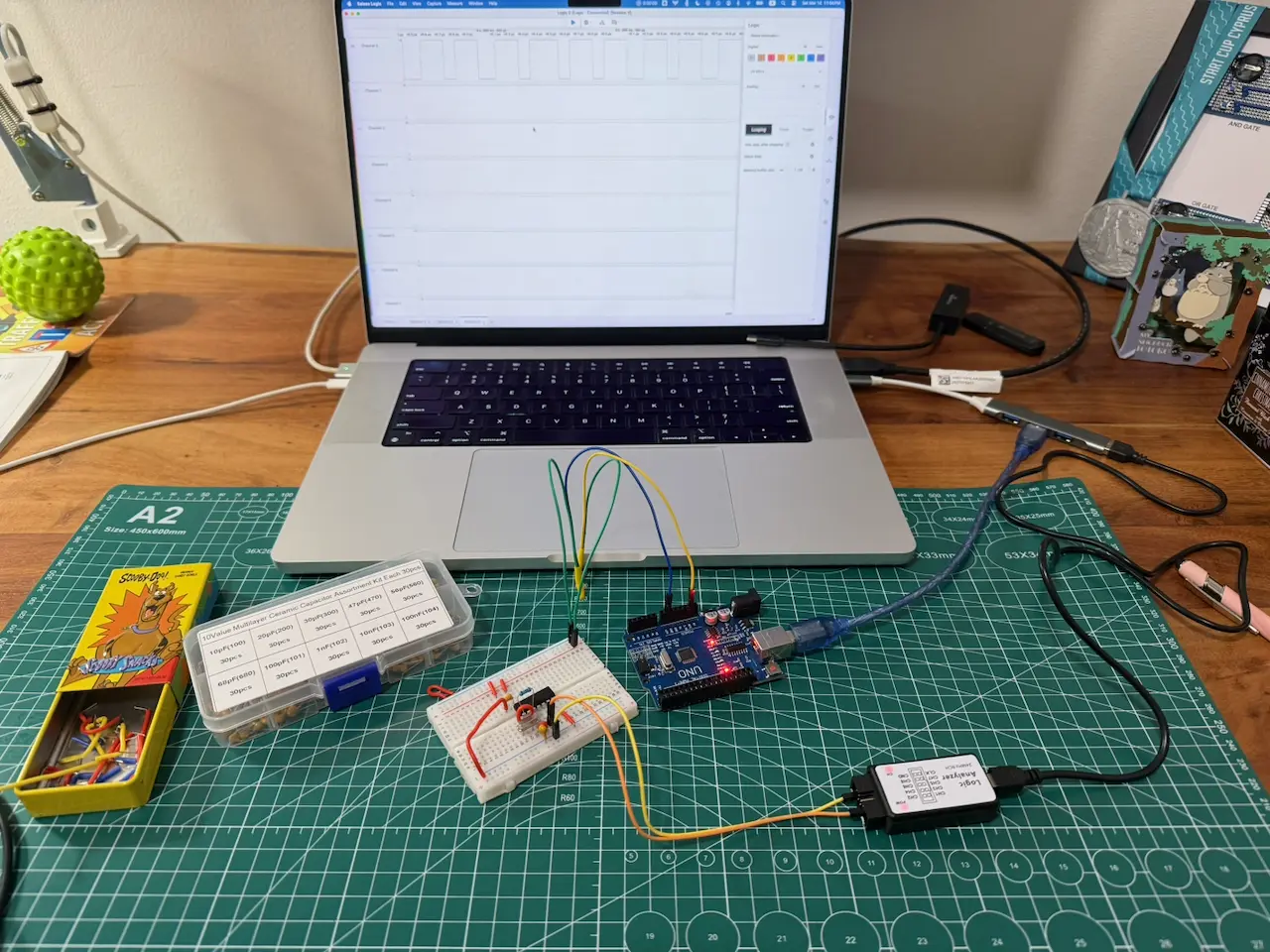
The first breadboard prototype, with an Arduino Uno and logic analyzer in the test setup.
An early capture showed irregular pulse widths because of the wrong capacitor values.

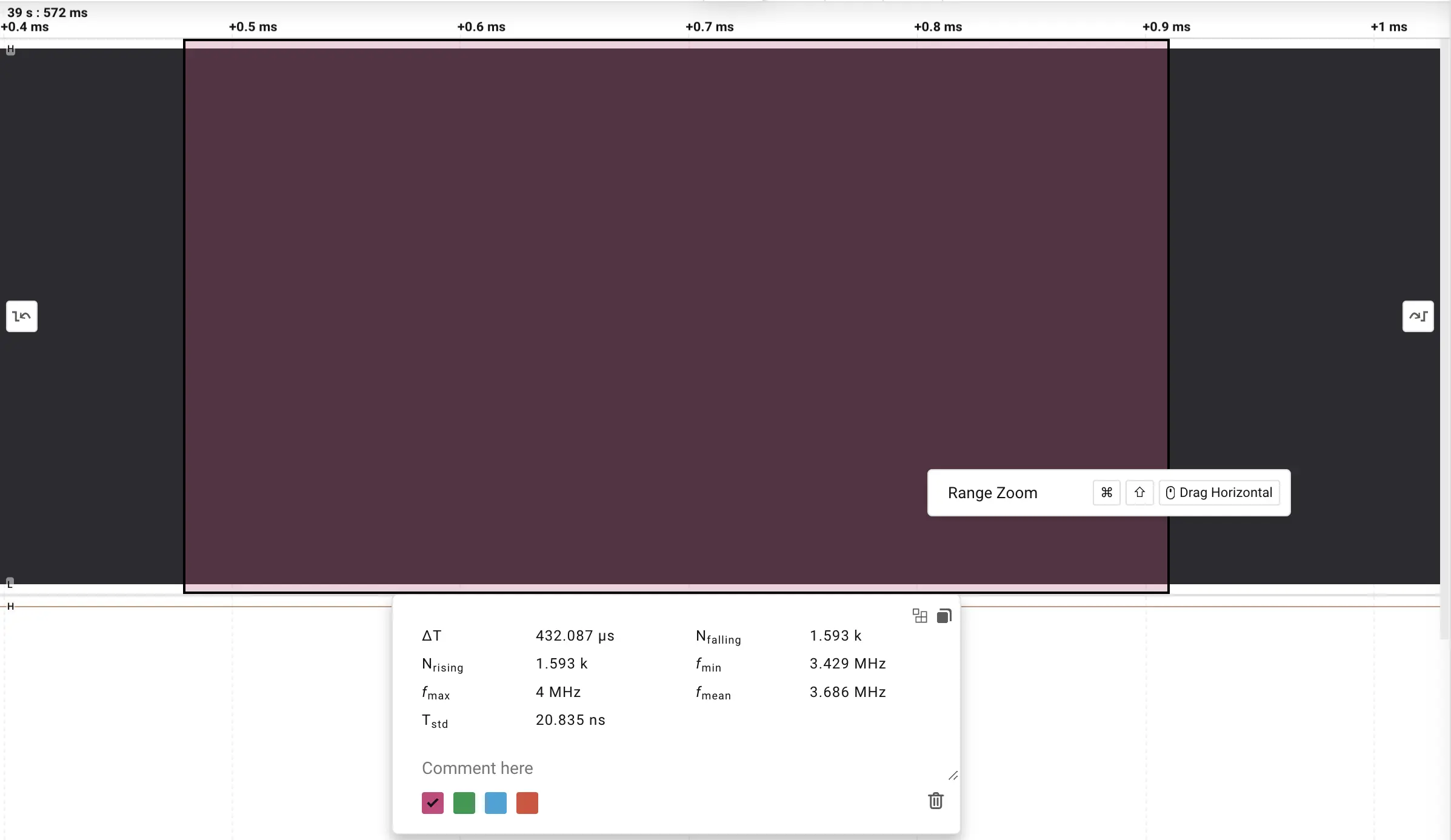
After trying different values, I settled on 22pF capacitors. The captured edges became regular. For a sample of 55 cycles, the analyzer reported a mean of 3.682 MHz.
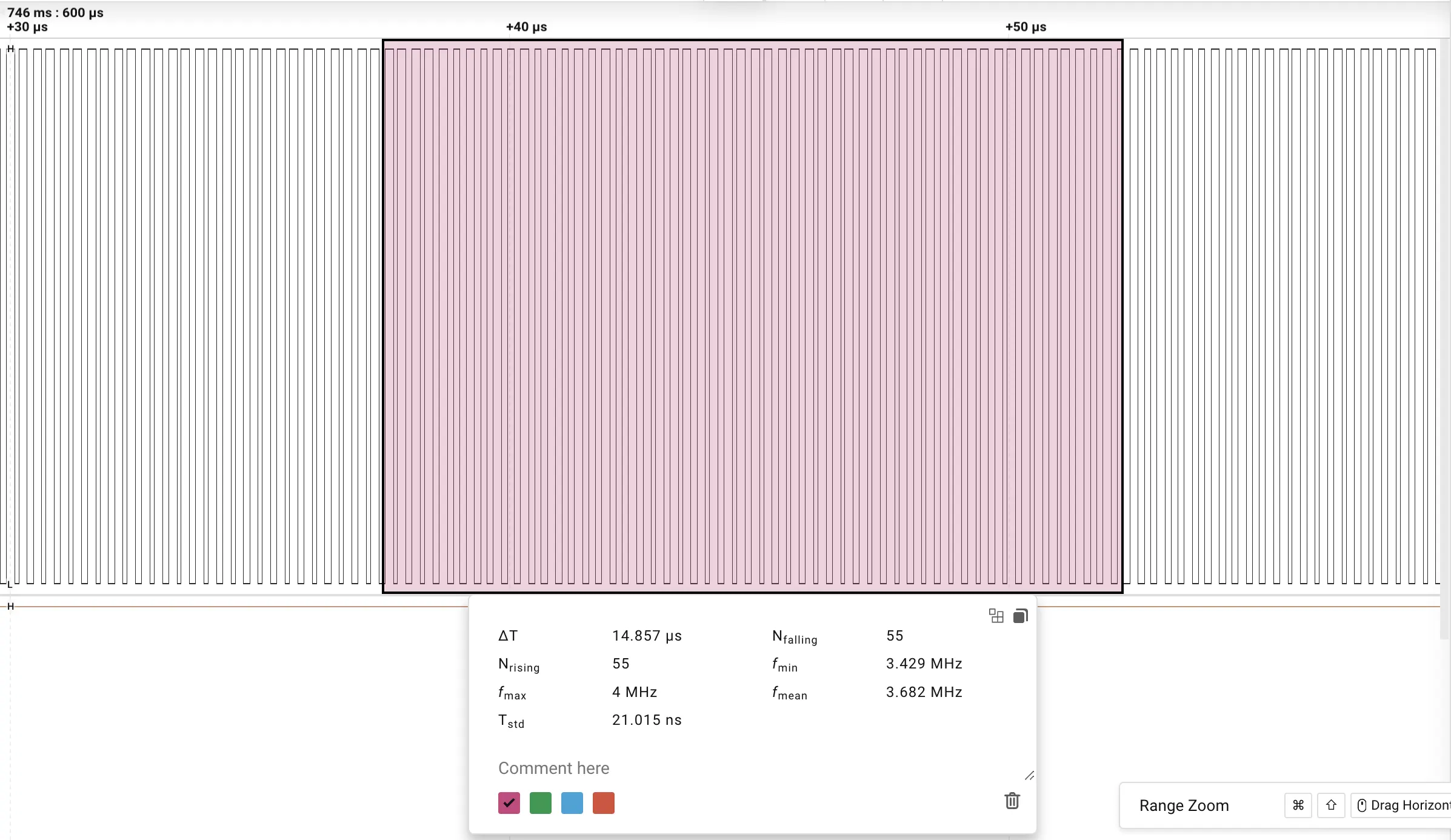
For a larger sample of 1,593 cycles, it reported a mean of 3.686 MHz, close to the crystal's nominal 3.6864 MHz.
From breadboard to soldered prototype
Once the circuit was running, I soldered a version onto a perforated board and checked it with the same logic analyzer. These photos show the test setup, the component side, and the wiring underneath.
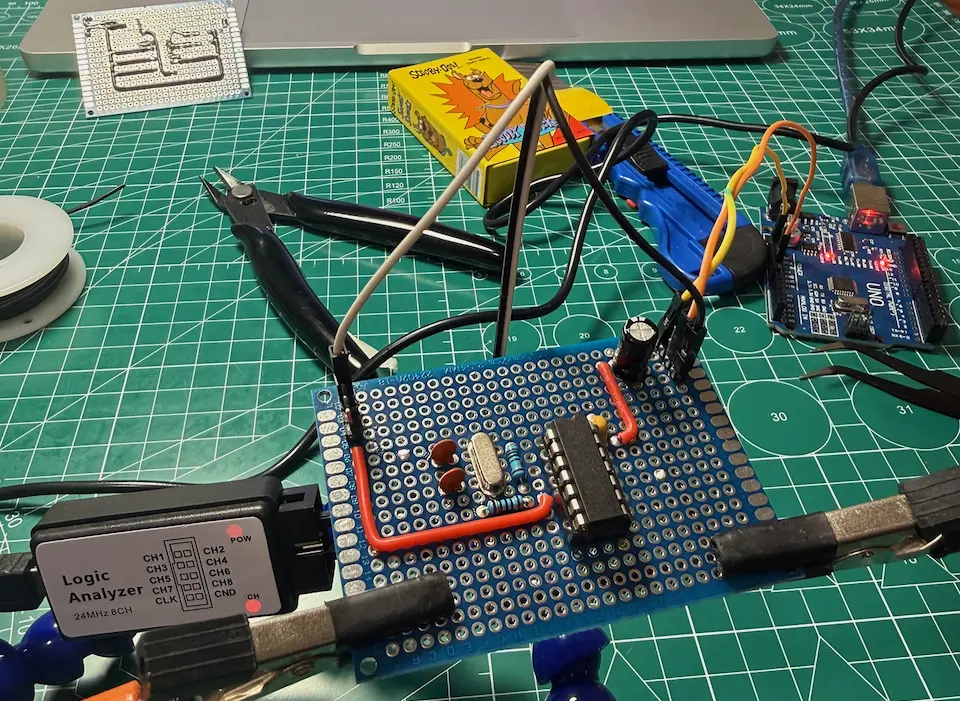
Testing the soldered prototype with the logic analyzer.
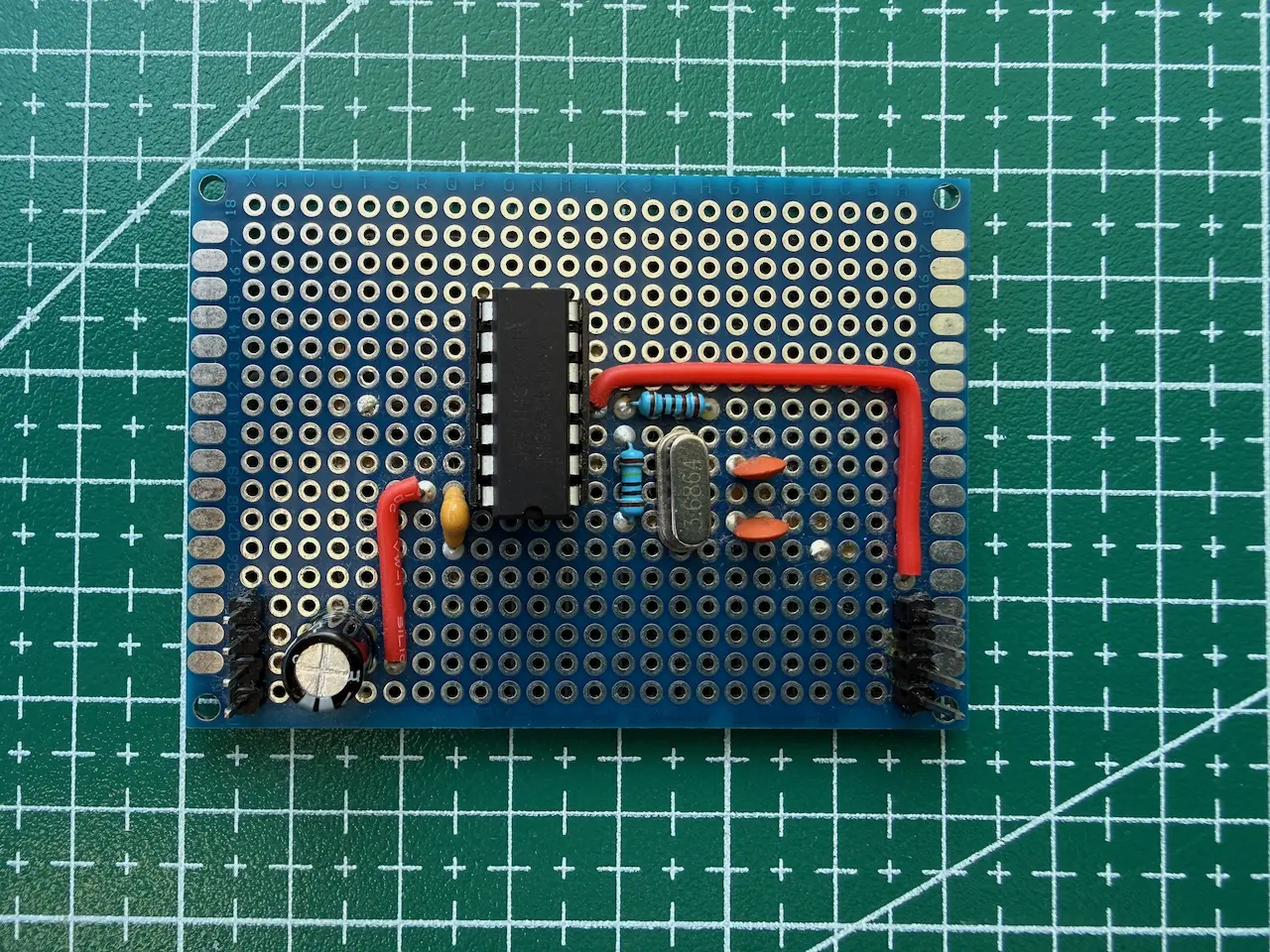
The component side of the perforated board.
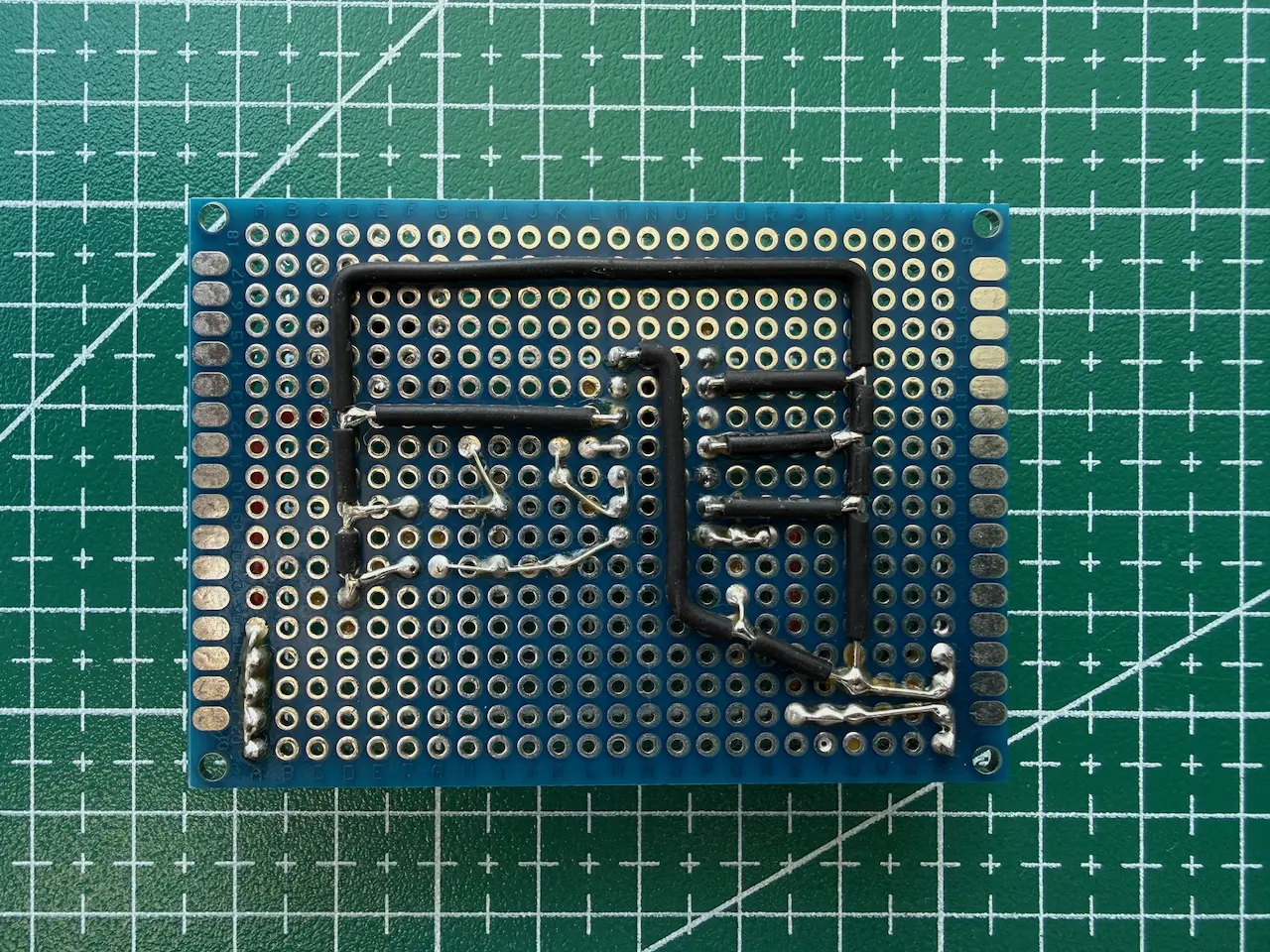
Point-to-point wiring on the underside.
Making the PCB
I then laid out a small single-sided board in KiCad. I transferred the printed traces to copper, etched the board, drilled the holes, and soldered the parts.
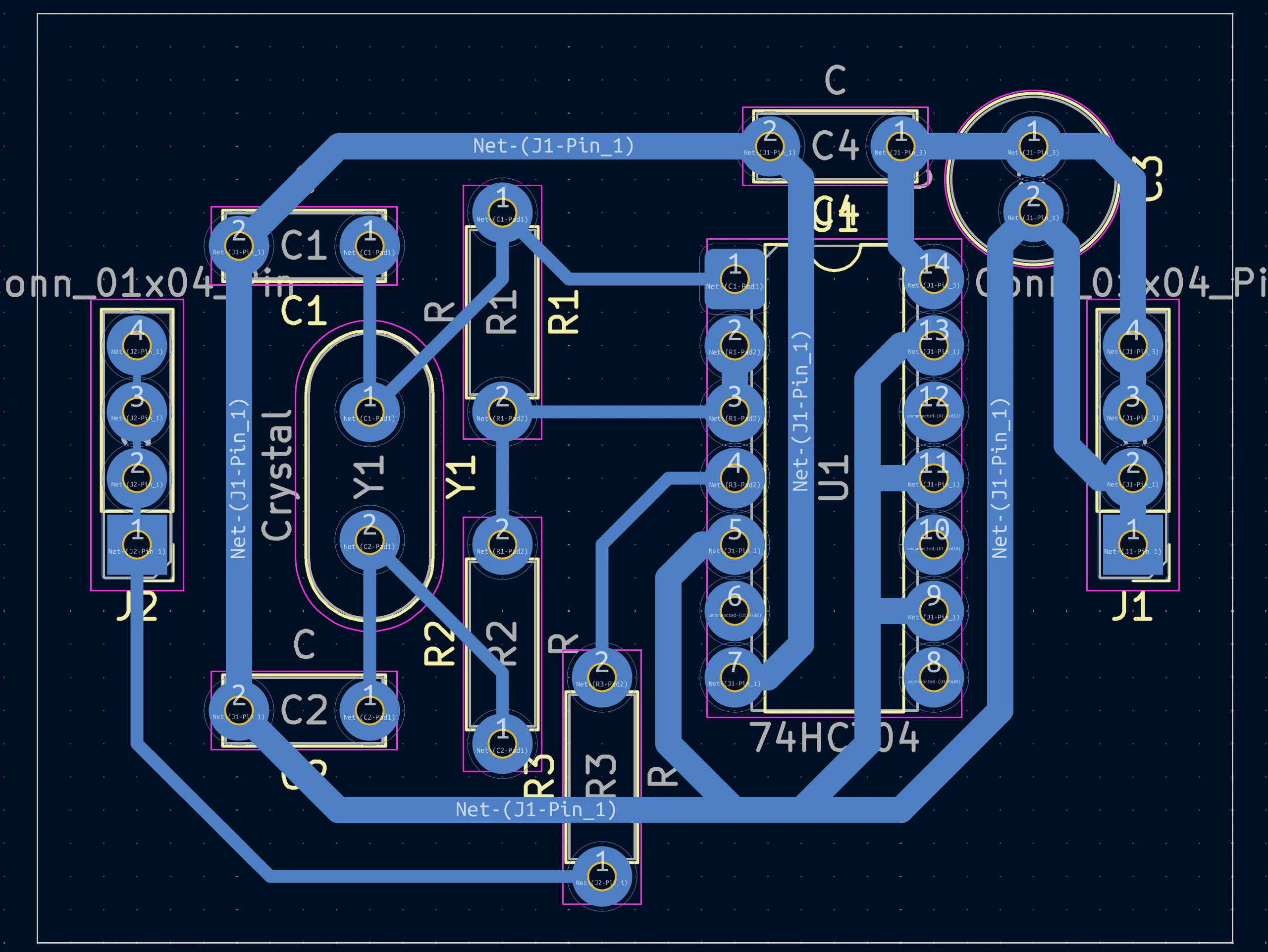
KiCad PCB Editor.
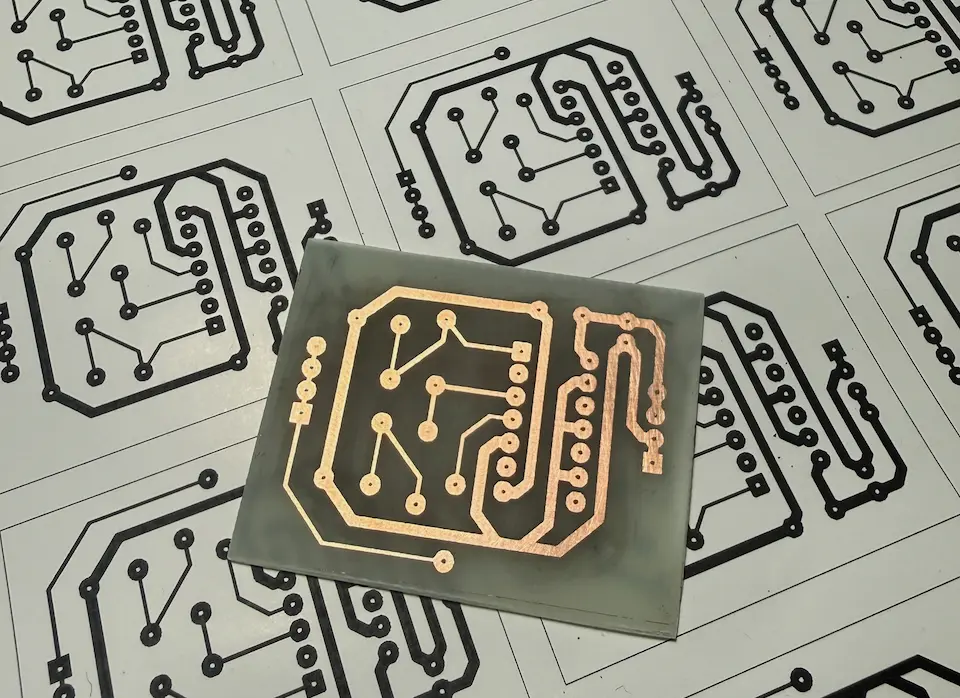
The etched board, ready for drilling and assembly.
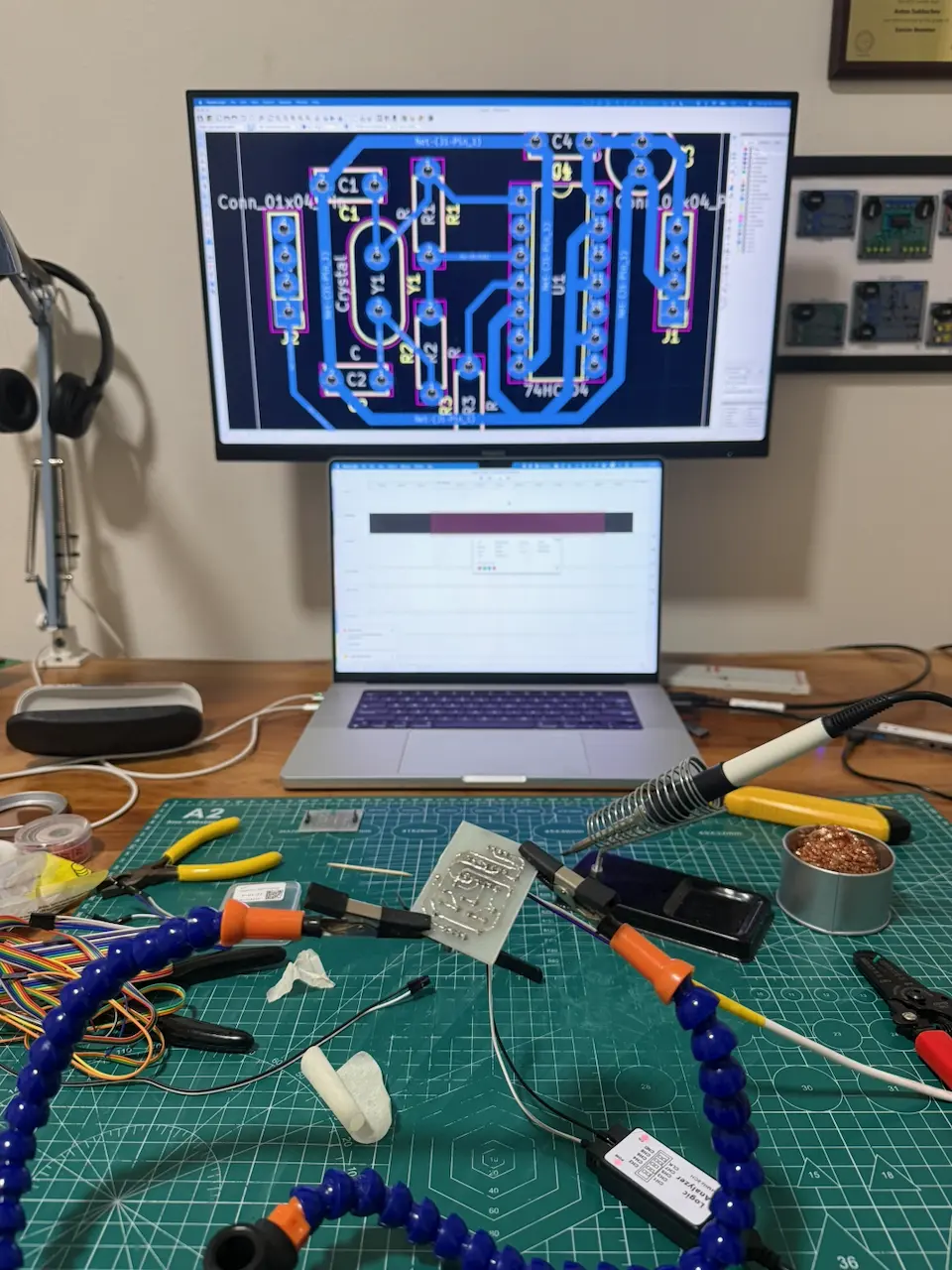
Soldering the new PCB.
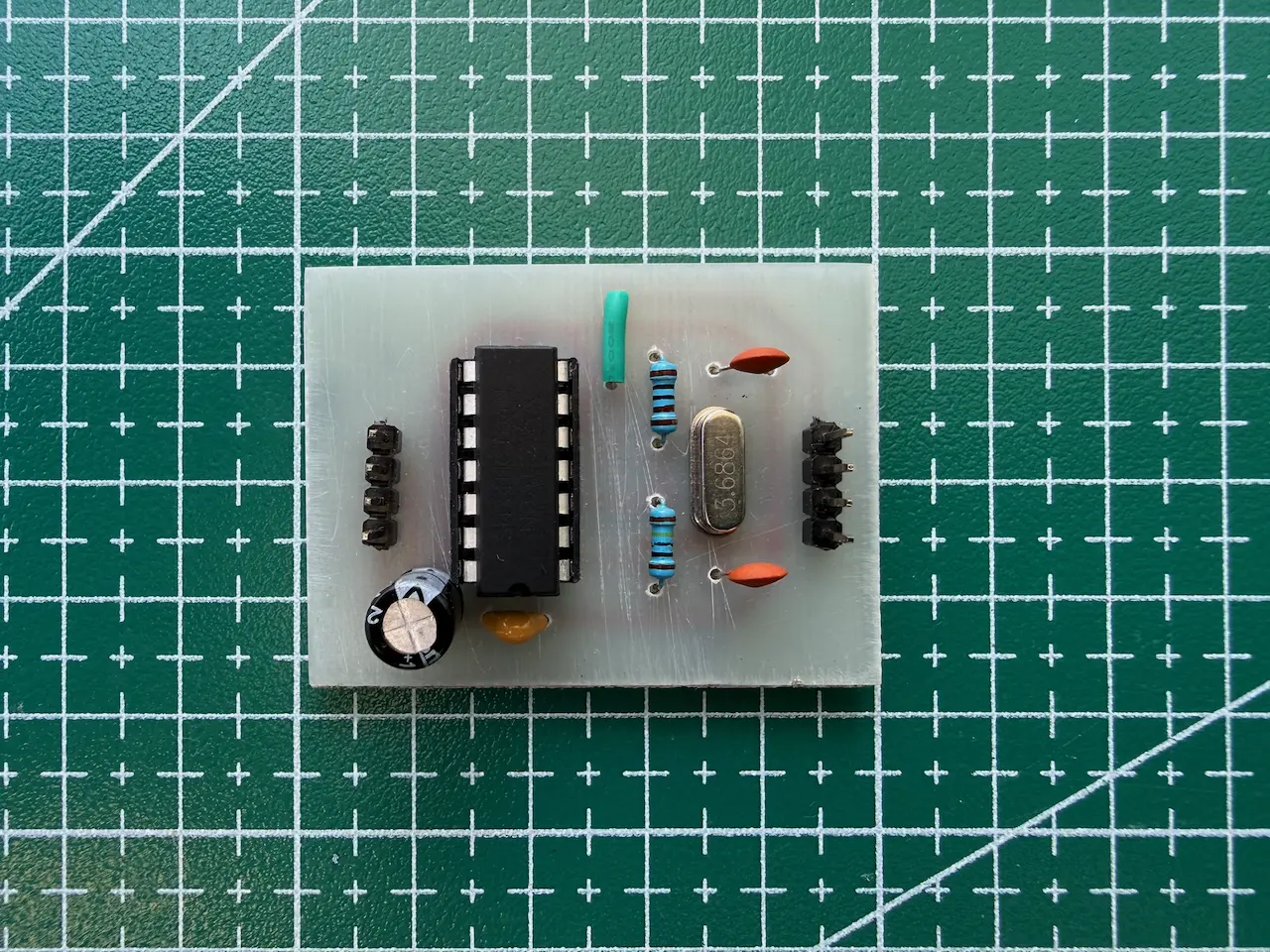
The finished PCB, component side.
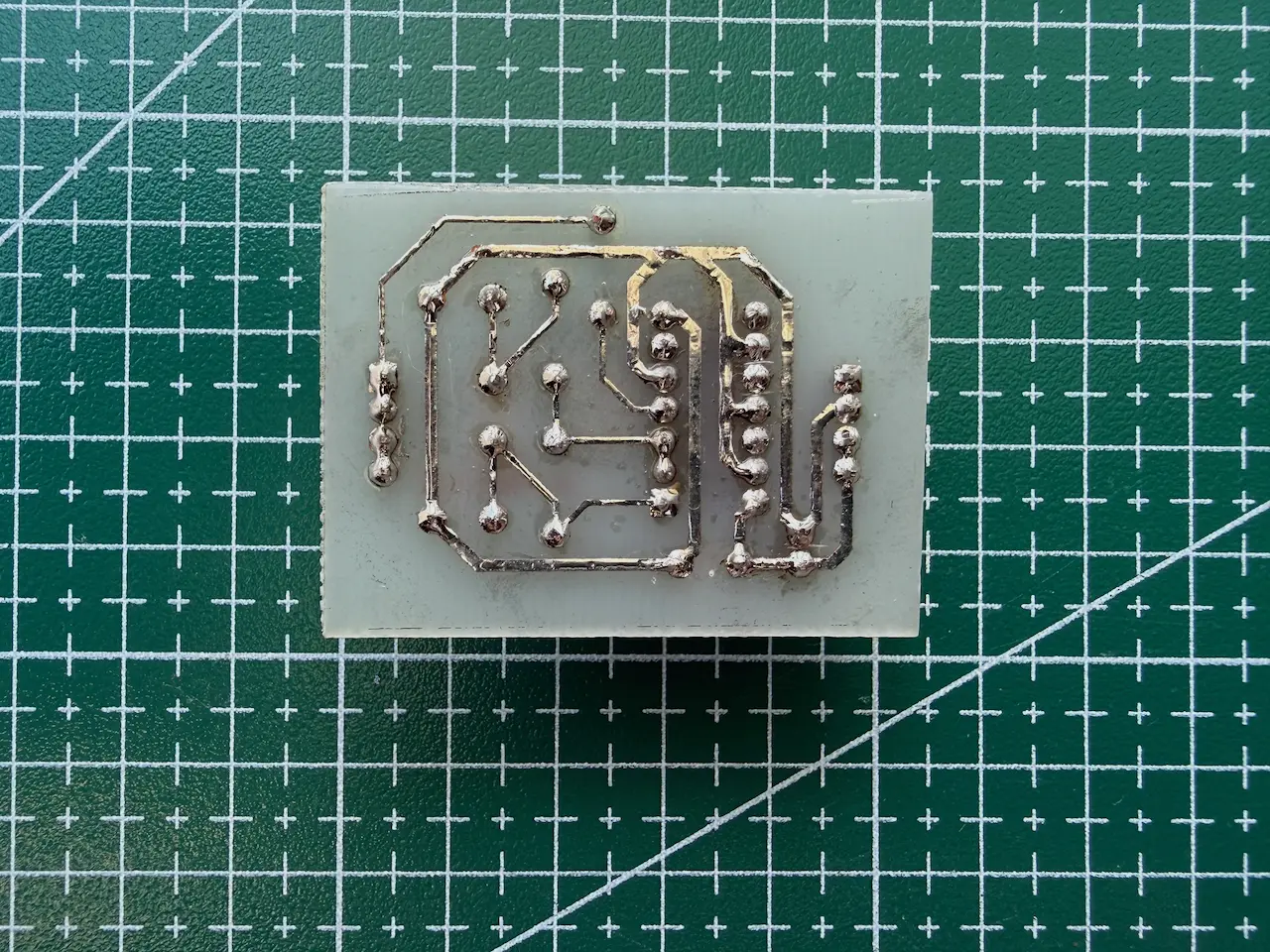
The finished PCB, solder side.
The finished board may look a little rough, but I think it's a good result for my first homemade PCB.
With the clock circuit built, I can move on to the next part of the Z80 computer: a ROM programmer.